Desk Toys for Adults: Why a Small Object on Your Desk Helps You Focus
Fidget outlets, ambient presence, screen-break anchors — the real reasons small desk objects improve focus, plus the three categories worth considering and the case for one that notices you back.
Josiah Love··6 min read
Somewhere along the way, "desk toy" became a slightly embarrassing phrase — the stuff of novelty catalogs and executive pendulum balls. That is a shame, because the underlying idea is sound: a small physical object within arm's reach can measurably change how you work. Not by magic. By giving your restless hands and drifting eyes somewhere cheap to go.
This is a guide to desk objects for adults who work at screens: why they help, the three categories that earn desk space, and — since we make one of them — an honest case for the newest category, the expressive companion device.
Why small objects help you focus
Three mechanisms do most of the work, and none of them require believing anything mystical about productivity.
A fidget outlet. Restless energy does not disappear when you suppress it; it leaks into tab-switching and phone-checking. A physical object gives that energy a low-cost channel that does not open a browser.
Ambient presence. An empty desk can feel sterile in a way that makes long solo work sessions harder. A small object with some character — a plant, a figure, a face — makes the workspace feel inhabited rather than institutional.
A screen-break anchor. Your eyes need regular breaks from the monitor, and "look away every twenty minutes" fails without somewhere specific to look. A designated object gives the break a landing spot, which makes the habit stick.
The common thread: the object competes with your phone for micro-moments and wins on friction. Reaching for a fidget costs nothing and returns you to work in seconds. Reaching for your phone costs, on a bad day, twenty minutes. Multiply that by the thirty or forty micro-pauses in a normal workday and the stakes of the empty desk become obvious — every one of those pauses is going somewhere, and the only question is whether the destination hands you back to your work or keeps you.
Category one: analog fidgets
The classics — worry stones, magnetic sliders, spinning tops, click toys, kneadable putty. They are cheap, silent (choose carefully if you share an office), and indestructible as a habit because they demand zero attention. An analog fidget is the right pick if your main leak is restless hands during calls and reading.
Their limitation is the flip side of their strength: they give nothing back. A slider feels the same at 9 a.m. and 6 p.m., on your best day and your worst. For pure discharge of energy that is fine. It just means the object never becomes more than a texture — which is also why fidgets tend to migrate: desk to drawer, drawer to bag, bag to wherever old fidgets go. Rotate a couple if novelty is what keeps yours in reach.
Category two: living things
A small plant is the oldest desk companion there is, and it earns its spot differently — not through touch but through slow change and mild obligation. Watering a pothos is a tiny ritual that punctuates the week, and the plant's gradual growth gives the desk a sense of time passing that a monitor never will.
The cost is care and constraints: light, water, travel, the small grief of a neglected fern. If your desk gets no daylight or you disappear for weeks at a stretch, this category quietly becomes a source of guilt instead of comfort.
Category three: companion devices
The newest category sits between the two: objects with enough behavior to feel present, but no needs beyond a charge. A companion device is a small piece of hardware whose job is character — it displays moods, reacts, idles, and generally behaves like something rather than sitting there like a paperweight.
The category's promise is an ambient presence that actually changes through the day, giving your screen-break glances something new to land on. The category's risk is that "device" can smuggle in everything you were escaping — feeds, notifications, subscriptions, an app demanding an account. A companion that pings you is just a second phone with a cuter face.
The case for an object that notices you
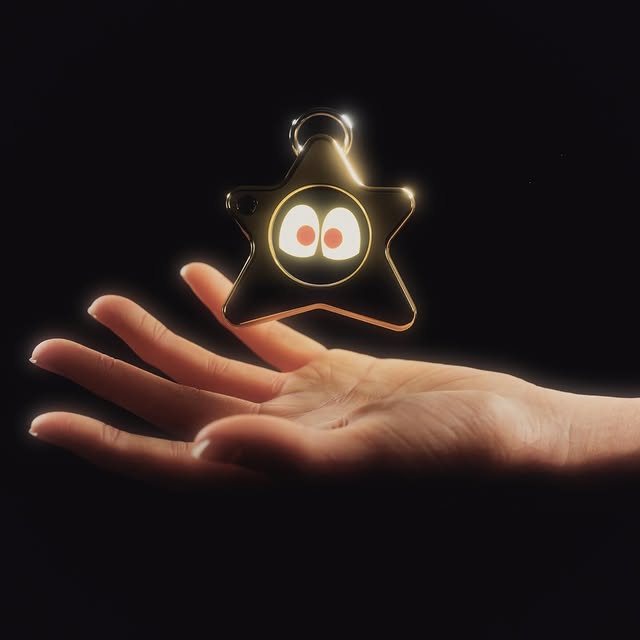
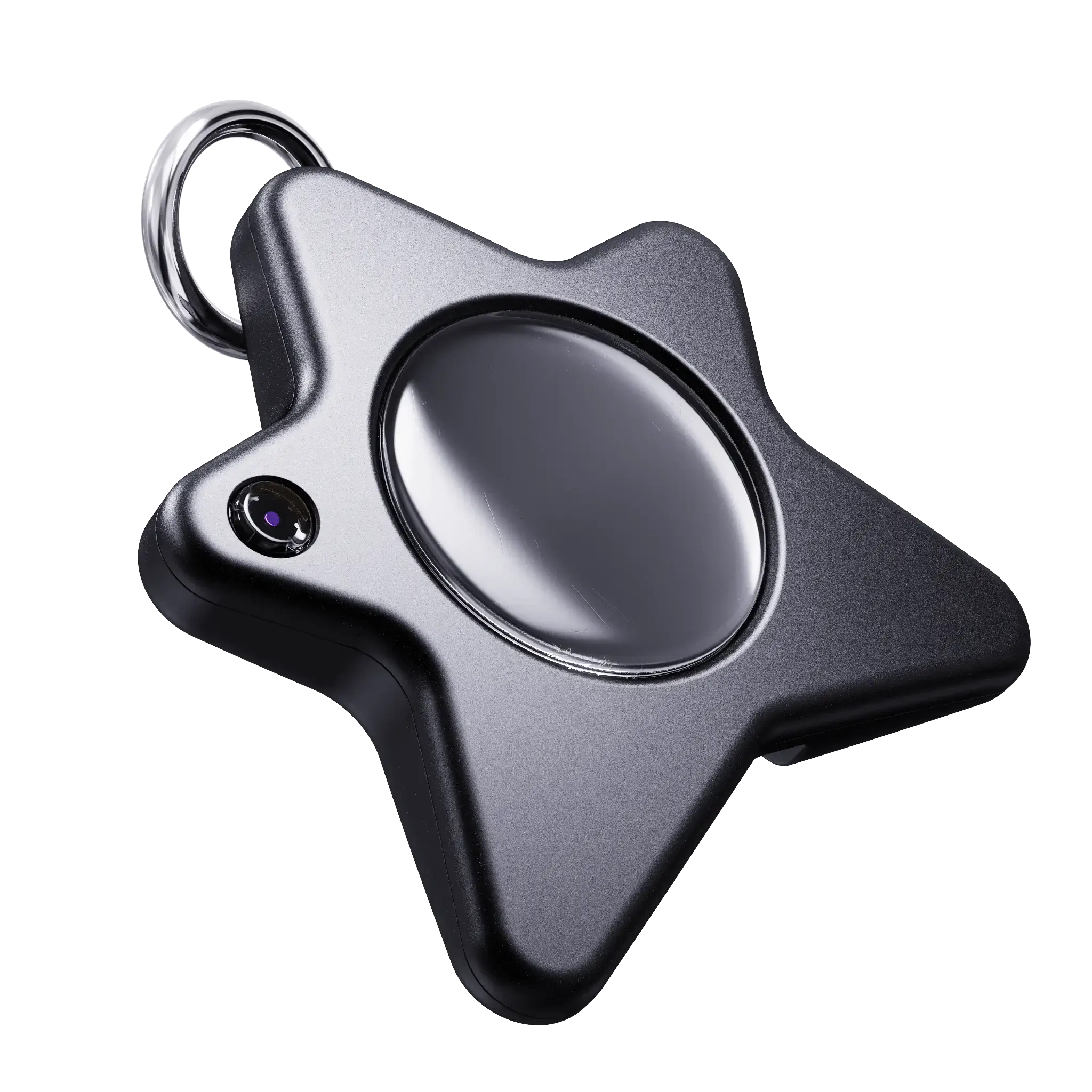
Disclosure before the pitch: we make Oneira, so weigh this section accordingly. Oneira is our $139 expressive pocket companion — an animated face with wandering eyes and moods that shift through the day. On a desk, it occupies the companion-device slot the way we think that slot should be occupied: no feed, no subscription, no app account requirement. It has nothing to check and nothing to owe.
The difference between an expressive object and a static one is small but real. A worry stone is something you notice; a face with wandering eyes is something that appears to notice you. That tiny asymmetry is what makes glancing over feel like a moment instead of a blank — closer to the plant than to the paperweight, without the watering can. It comes in eight editions (Snow, Lilac, Azure, Midnight, Aluminum, Crystal, Stainless, Brass), all $139, and you can preview the personality for free in the Dream Sketch browser toy or see real desks on Oneira IRL.
Picking your desk companion
Pick
Best for
Watch out for
Analog fidget
Restless hands, calls, zero maintenance
Never changes; easy to stop noticing
Plant
Slow ritual, natural presence
Needs light, water, and your presence
Companion device
Ambient character, break anchor
Avoid anything with feeds or subscriptions
There is no wrong answer here, and the categories stack fine — plenty of desks host a slider, a pothos, and a small face all at once. The only real mistake is the empty desk with the phone lying face-up in the middle of it. That is a desk with one toy, and it is the worst one ever made for focus.
Focus is mostly the art of making distraction slightly less convenient than work. A good desk object tilts that balance a few degrees in your favor, several dozen times a day. Small lever, long day, real difference.
Frequently asked questions
Do desk toys actually improve focus or is it placebo?
The mechanisms are mundane and real: a fidget outlet channels restless energy away from tab-switching, and a designated object makes screen-break habits easier to keep. The object does not create focus — it lowers the cost of the habits that do.
What is a companion device?
A small piece of hardware whose main job is character rather than utility: it displays moods, reacts, and idles, giving a desk ambient presence. The good ones avoid feeds, notifications, and subscriptions entirely.
Does Oneira require an app or subscription?
No. Oneira has no feed, no subscription, and no app account requirement. It is a $139 one-time purchase, currently sold via limited drops with US-only shipping.
Which desk object should I start with?
Match it to your leak. Restless hands on calls: analog fidget. Sterile-feeling workspace: plant. Wanting an anchor for screen breaks with some personality: a companion device. They also combine perfectly well.